

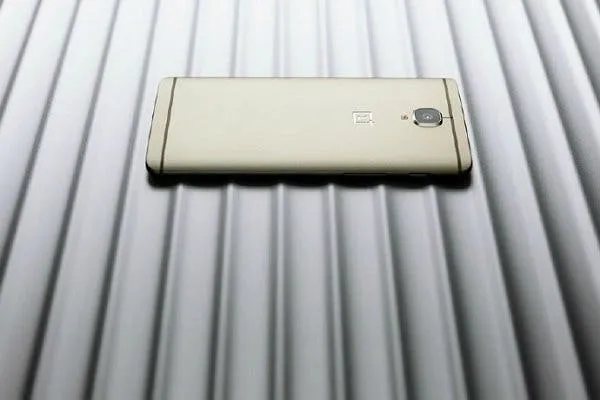

OnePlus phones are right up there with Nexus devices when it's dev friendliness we're talking about. What this means is that OnePlus phones are also very easy to root and mod for the average user.
Taking it a step further are TWRP, who have released an official recovery for the OnePlus 3. There are a couple different ways you can get the TWRP recovery on your OnePlus 3.
Method 1 will require your OnePlus 3 to be rooted already (read below to see how you can do it), but is the simpler of the two. You simply need to head over to the Google Play store and download this app, which will do the rest for you.
Method 2 requires no root, but you still need to have the Android SDK installed on your computer. Ensure that's done, and then proceed to download the TWRP image file from here. Enable USB debugging, and then follow the steps here:
- Open a command prompt and type:
adb reboot bootloader
- Copy the downloaded file into the same folder as your adb and fastboot binaries. Rename the image to twrp.img and type:
OnePlus 3 Review HERE
Your phone should now have TWRP recovery installed.
In case you want to use method 1, you can root your OnePlus 3 by following the below steps:
- In developer options, enable OEM unlocks and USB debugging
- In in the command line / terminal pass the following commands: "fastboot devices" and then "fastboot oem unlock"



Place comments
0 Comments
You are currently seeing only the comments you are notified about, if you want to see all comments from this post, click the button below.
Show all comments