



Today Meizu Technology has pushed the Flyme 8 trial version 8.20.3.10 beta system update. This update is currently available for the Meizu 16 series. This update brings different features for different models.
Update Description
- If you encounter any problems during the update, you can use can the App feedback to report your issue.
- The system update is safe and reliable. It also will not occupy storage space and data loss.
- The update takes about 10 minutes, please be patient.
- Do not press the mobile phone buttons during the process to avoid interference.
- The mobile phone will also automatically restart after the update. A small amount of heating is normal, don’t worry.
- Different model or network operator have different features - please take note
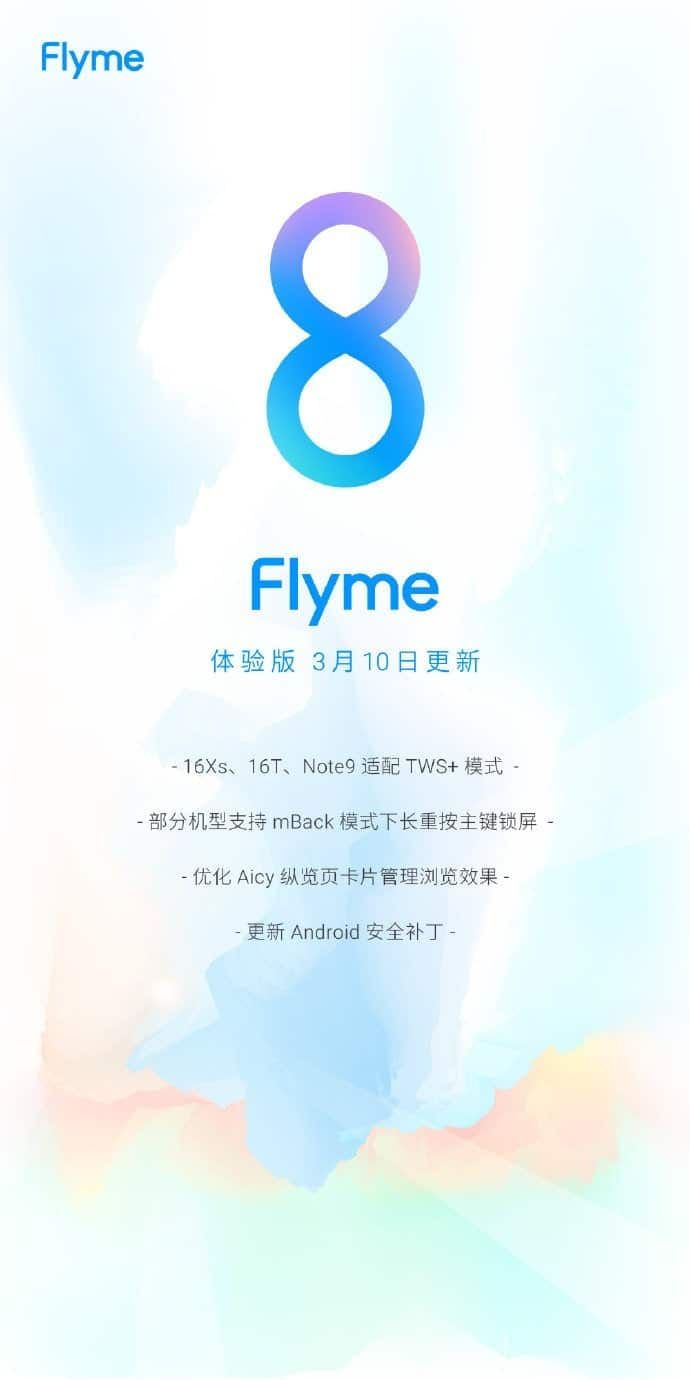
The following is what we should expect from the Meizu Flyme 8 trial update:
Meizu Flyme 8 changelog
Bluetooth
- Meizu 16Xs, 16T, Note9 adapt to TWS + mode, use a wireless Bluetooth headset to experience low latency and smoother sound quality
- Path: The function is enabled by default. Use TWS + headset directly
Navigation and shortcuts
- Under mBack mode, long-press the main key to lock the screen, the one-button lock screen is more convenient
- Path: Settings _ Navigation and Quick Operation _ Navigation Method _ mBcak_ Long press the main key to lock the screen
- Supported models: 16s Pro, 16s, 16th Plus, 16th, 16 X
Aicy Overview
- Optimize the browsing effect of the card management page and also distinguish the added status - make the operation clearer
System
- Update Android security patches to improve phone security
Problem improvement
- Solve the problem of crashing when setting privacy applications
- Fix the increase in the size of third-party application icon on the desktop
- Solves the inability of the input keyboard to close after closing the interface
- Solve the problem that the QQ chat interface toolbar cannot be clicked in small window mode
For more information, you can click this link to view the forum description.



Place comments
0 Comments
You are currently seeing only the comments you are notified about, if you want to see all comments from this post, click the button below.
Show all comments