

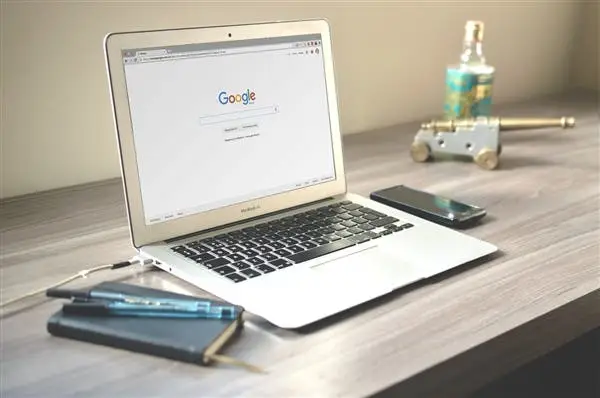

The recently announced Android Q system comes with a couple of new features which include Desktop mode. The desktop mode makes this system compatible with larger displays. Android Q's desktop mode offers some cool new features:
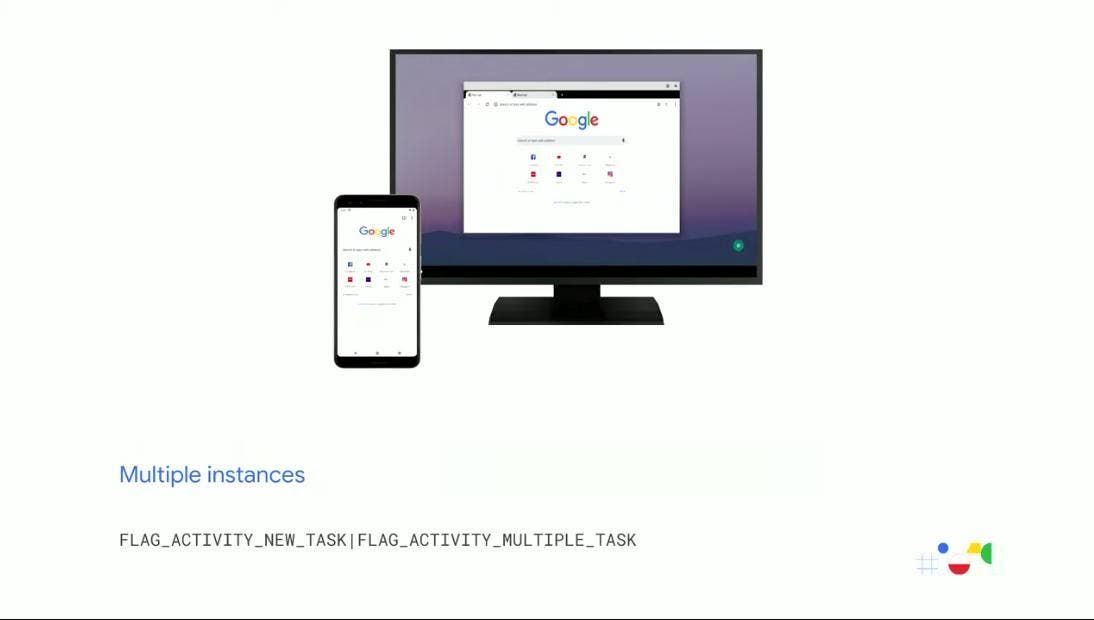
With this desktop mode, an app can be used simultaneously on a smartphone and a monitor but the app must support multiple instances. On the secondary display (the monitor), Android Q desktop mode can create a second window of the app. The secondary screen supports the "multitasking recovery" feature of Android Q, which allows two apps to run simultaneously without being suspended.
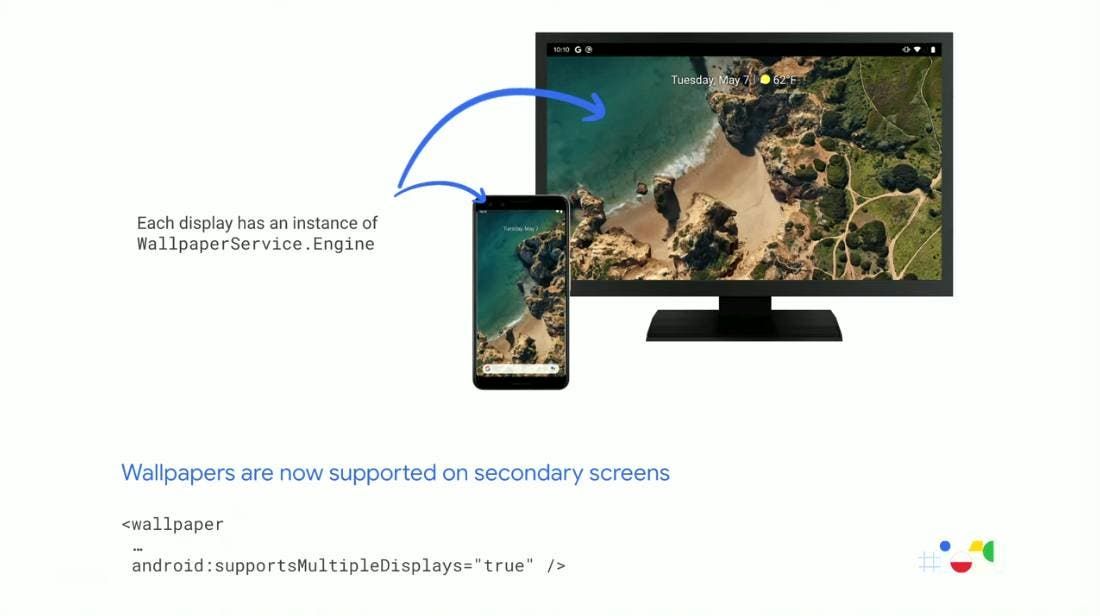
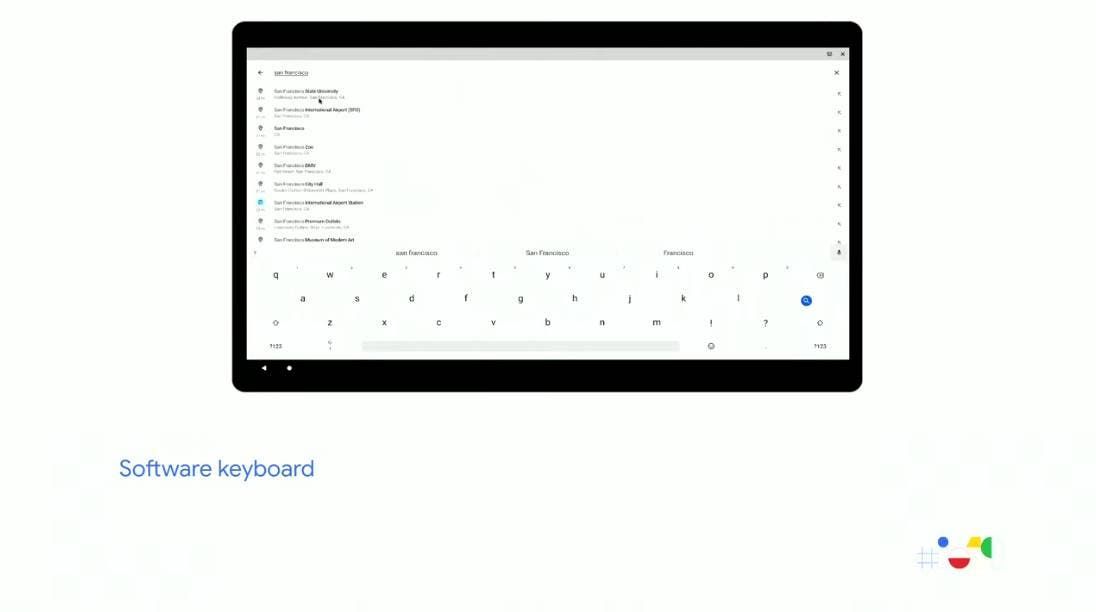
Moreover, the on-screen keyboard can also be displayed on a secondary screen, and in a multi-screen environment, the keyboard can be switched between multiple displays at will. Wallpapers and live wallpapers on your phone can also be expanded on the monitor.
In addition, the user can set the desktop APP that supports large-screen display to a dedicated desktop in desktop mode. Android automatically enables the user-selected desktop APP on the large screen. According to XDA-developers, considering the potentials of Android Q desktop, Google's next-generation flagship Pixel 4 is very likely to support HDMI video output, maybe we will see Google's new Pixel model within 5 months.



Place comments
0 Comments
You are currently seeing only the comments you are notified about, if you want to see all comments from this post, click the button below.
Show all comments